

Add gates and waits
Stop a run for a person with a gate, or for a set time with a wait
Stop a run until a person lets it continue with a gate, or for a set time with a wait. Use a gate where the process needs a person, and a wait where it needs time to pass.
[steps.approve]kind = "gate"label = "Approve the release"next = "steps.publish"
[steps.pause]kind = "wait"duration = "30m"next = "steps.check"
Both survive a restart.
| Gate | Wait | |
|---|---|---|
| Kind | gate |
wait with a duration |
| Ends when | A person lets it continue, or a watched pull request changes | The duration passes |
| Run slot | Given up | Kept |
| After a restart | Stays at the gate | Wakes at the time it first set |
A gate is a step with kind = "gate". It does no work. When a run reaches one, its standing is Waiting. It shows an eye and “Waiting:” followed by the gate’s label, not the pause mark, so you can tell it apart from a run you paused. The runs list’s Status filter calls it At a gate. It holds no run slot, and it stays at the gate across a restart.
version = 3entry = "steps.plan"
[steps.plan]prompt = "Write a plan for the goal. Do not change files."outputs.plan = "text"next = "steps.approve"
[steps.approve]kind = "gate"label = "Read the plan, then continue"next = "steps.implement"
[steps.implement]prompt = "Carry out this plan: {{ context.plan }}"next = "steps.done"
[steps.done]kind = "terminal"
Here the run writes a plan, then stops at approve so you can read it before anything changes.
To let the run continue, open it and choose Continue or Skip on the gate, or Resume. The run then joins the back of the queue, continues when a slot is free, and follows the gate’s next. A coding agent can do the same with the control_run MCP tool and the SkipWait or Resume action.
A gate needs next. A gate inside a fan-out branch is refused.
The pull request gate
Section titled “The pull request gate”The shipped delivery workflows stop at a gate labelled “The pull request is waiting for review or merge”. The run page shows how long it has waited and when Orbital checks next.

When the run’s context holds github.pr.state, Orbital looks at the pull request once a minute. The run continues by itself once the github.pr probe’s rolled-up github.pr.state is no longer WAITING: the pull request merged, closed, conflicts, failed CI or needs changes. It then joins the queue and follows the gate’s next, as when you let it continue. An approved pull request that is not merged yet goes back to the gate. Worktrees and delivery explains the whole loop.
When the run has read its tickets with the tracker.tickets probe and could read every one, the gate waits for the tickets’ text to change instead, which lets a person answer a run by editing its ticket. Set resume = "operator" on the gate to make it wait for you alone, whatever the run has read:
[steps.approve]kind = "gate"label = "Approve the release"resume = "operator"next = "steps.release"A wait is a step with kind = "wait" and a duration: a whole number followed by ms, s, m or h, such as duration = "30m". The run sleeps for that time, then continues. A wait keeps its run slot, but waiting costs no agent visits.
version = 3entry = "steps.check"
[steps.check]kind = "probe"observe = "github.pr"routes = [  { if = "github.pr.state == 'MERGED'", to = "steps.merged" },  { if = "github.pr.state == 'CLOSED'", to = "steps.closed" },]next = "steps.pause"
[steps.pause]kind = "wait"duration = "10m"next = "steps.check"
[steps.merged]kind = "terminal"
[steps.closed]kind = "terminal"outcome = "failed"
This one checks a pull request, and while it is neither merged nor closed, waits ten minutes and checks again. Neither the probe nor the wait spends an agent turn.
The run page shows a countdown. Choose Skip to end the wait now.

Orbital records the skip, so it still applies if Orbital restarts at that moment. A wait that was running during a restart wakes at the time it first set.
The epic workflows, for example, wait thirty minutes when every remaining ticket is blocked, then look again. Add a loop explains why a poll loop needs a wait.
Questions from the agent
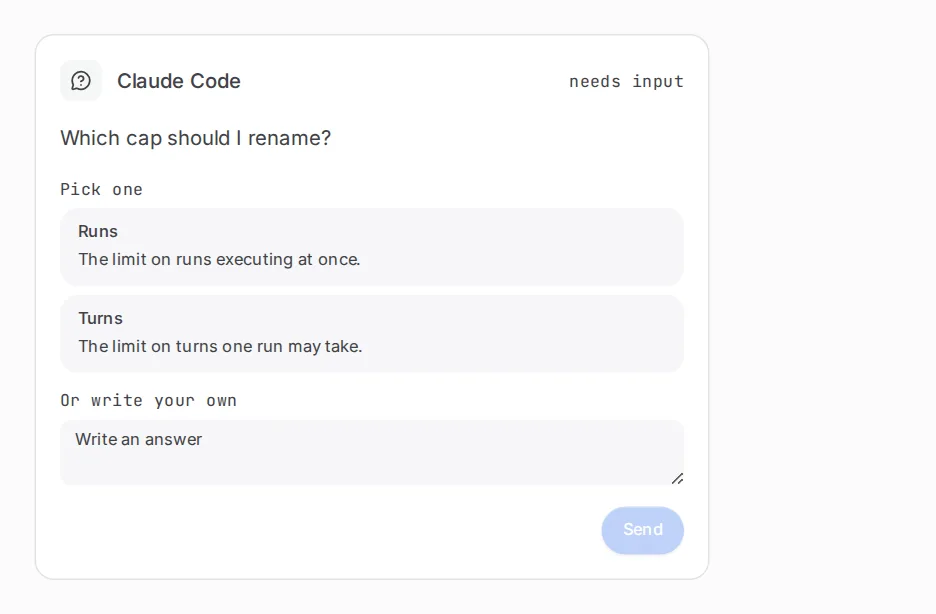
Section titled “Questions from the agent”An agent can also stop a run by asking you something. The run stands as Question until you answer in the composer. That is not a gate, because the workflow did not plan it. See Message a run.
Related
Section titled “Related”- Gate and wait: the keys both steps take.
- Add a loop: use a wait inside a poll loop.
- Worktrees and delivery: the delivery loop around the pull request gate.
- Pause, stop or resolve a run: resume a run by hand.