

The run queue
Orbital runs a set number of runs at once and queues the rest
You set how many runs Orbital works on at once, two unless you change it. Each working run holds one run slot, and the other runs wait in the queue until a slot frees up. A project can also have its own limit.
Change the number of runs at work
Section titled “Change the number of runs at work”-
Open Settings.
Go to Settings > General.
-
Set Concurrent runs.
Under Concurrent runs, choose − or +, or type a number from 1 to 16.
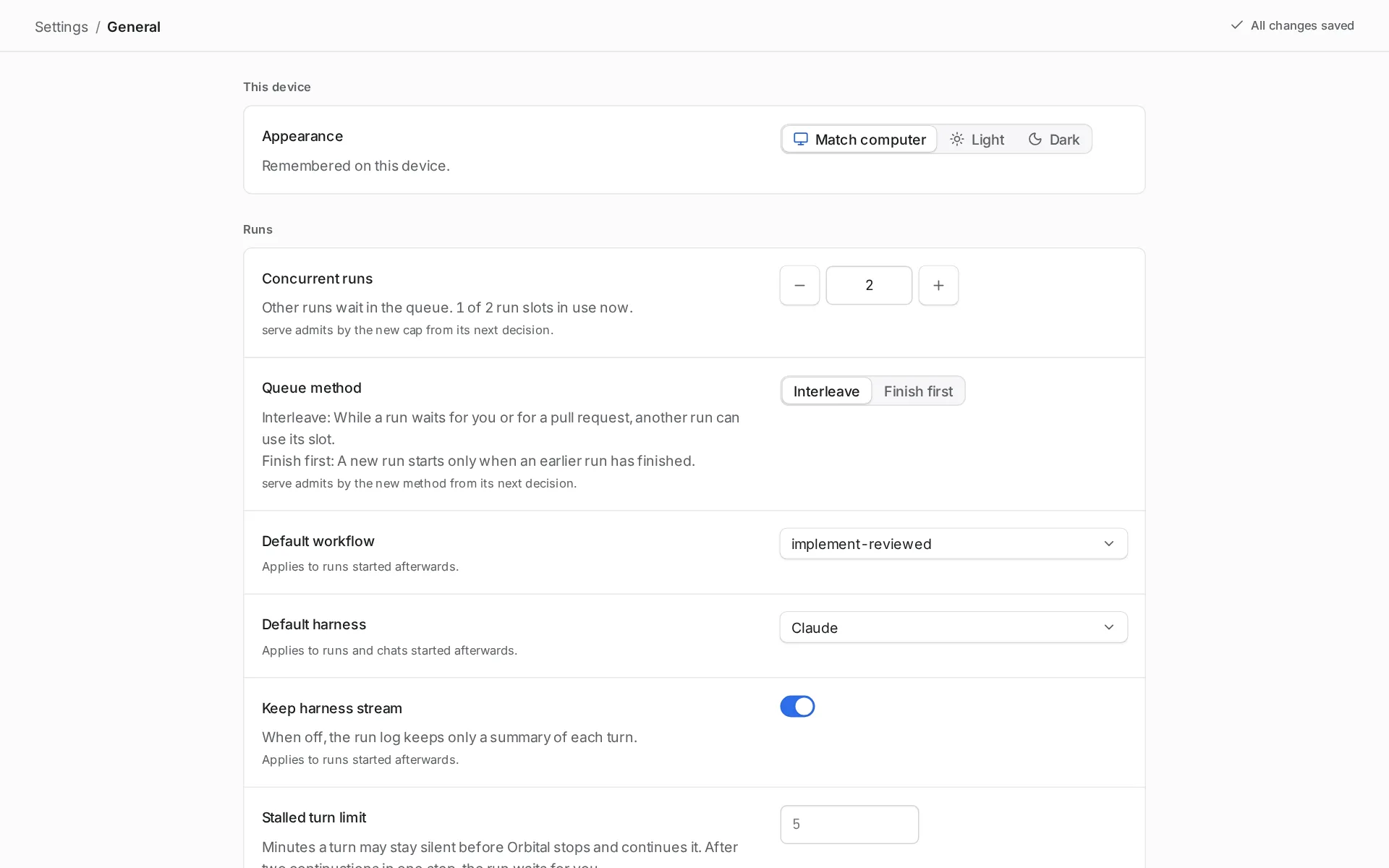
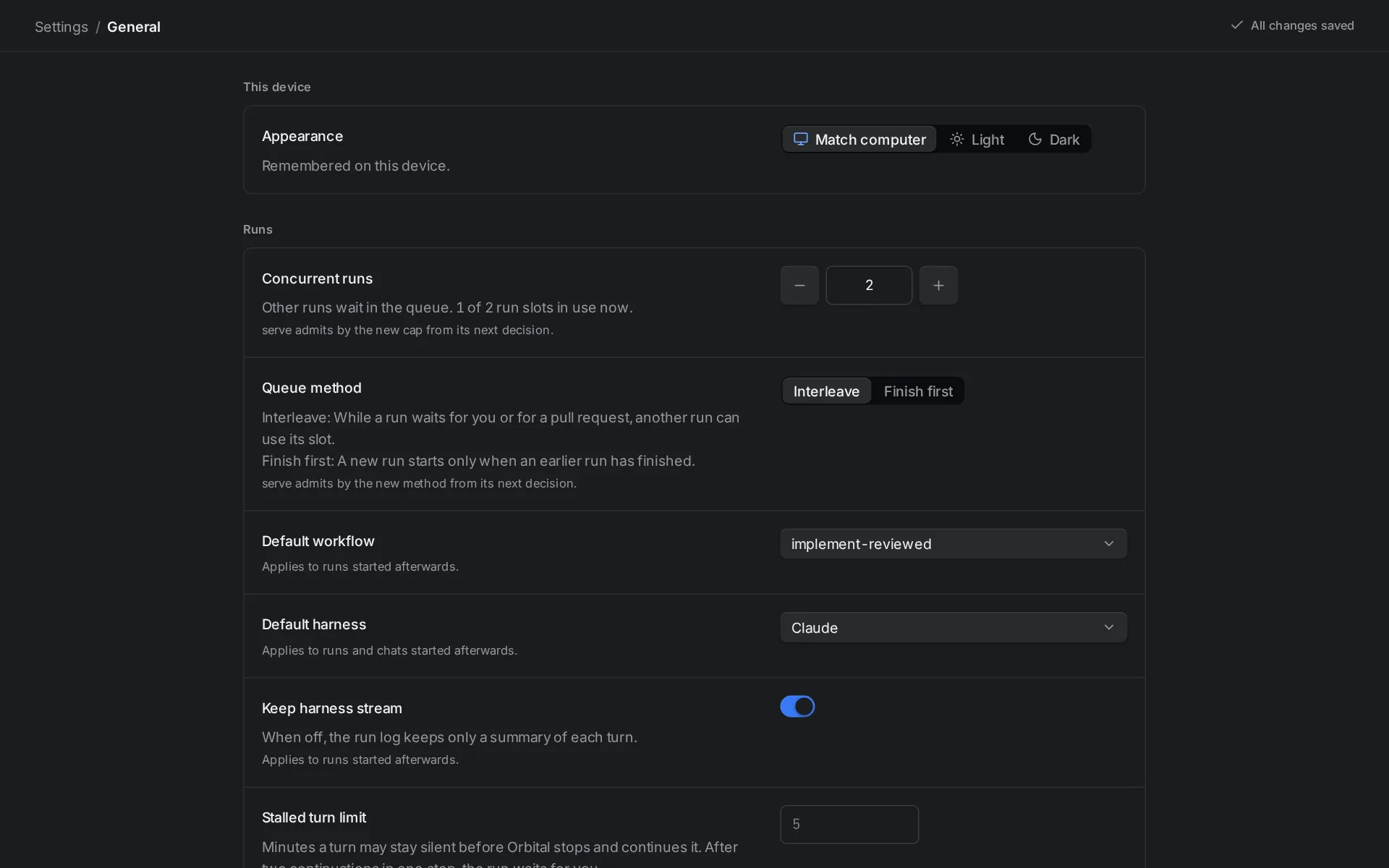
Concurrent runs sets how many runs work at once.
The page shows how many slots are in use now. A change applies at once. Lowering the number never stops a run that is already working. The queue waits longer instead.
Each run can make many agent turns at once, for example in parallel steps. The number counts runs, not turns.
Choose the queue method
Section titled “Choose the queue method”The queue method decides what a run does with its slot while it waits for you or for a pull request.
-
Open Settings.
Go to Settings > General.
-
Choose a Queue method.
Under Queue method, choose one:
- Interleave, the default. While a run waits for you or for a pull request, another run can use its slot.
- Finish first. A new run starts only when an earlier run has finished.
The choice saves at once and applies at the next decision, without a restart. Switching to Interleave lets queued runs into the slots that runs at a gate or waiting on you were holding. Switching to Finish first stops nothing that is already working.
Under Finish first, a queued run’s page says “Waiting for a run to finish”, with its place. A run at a gate or waiting on you says “Holding its slot until it finishes”.
Limit one project’s runs
Section titled “Limit one project’s runs”Give a project its own limit, so a project with a long backlog does not take every slot.
-
Open the project.
Open Projects and choose the project.
-
Set the run limit.
Under Runs, set Run limit with − and +, or type a number and press Enter. It saves at once.
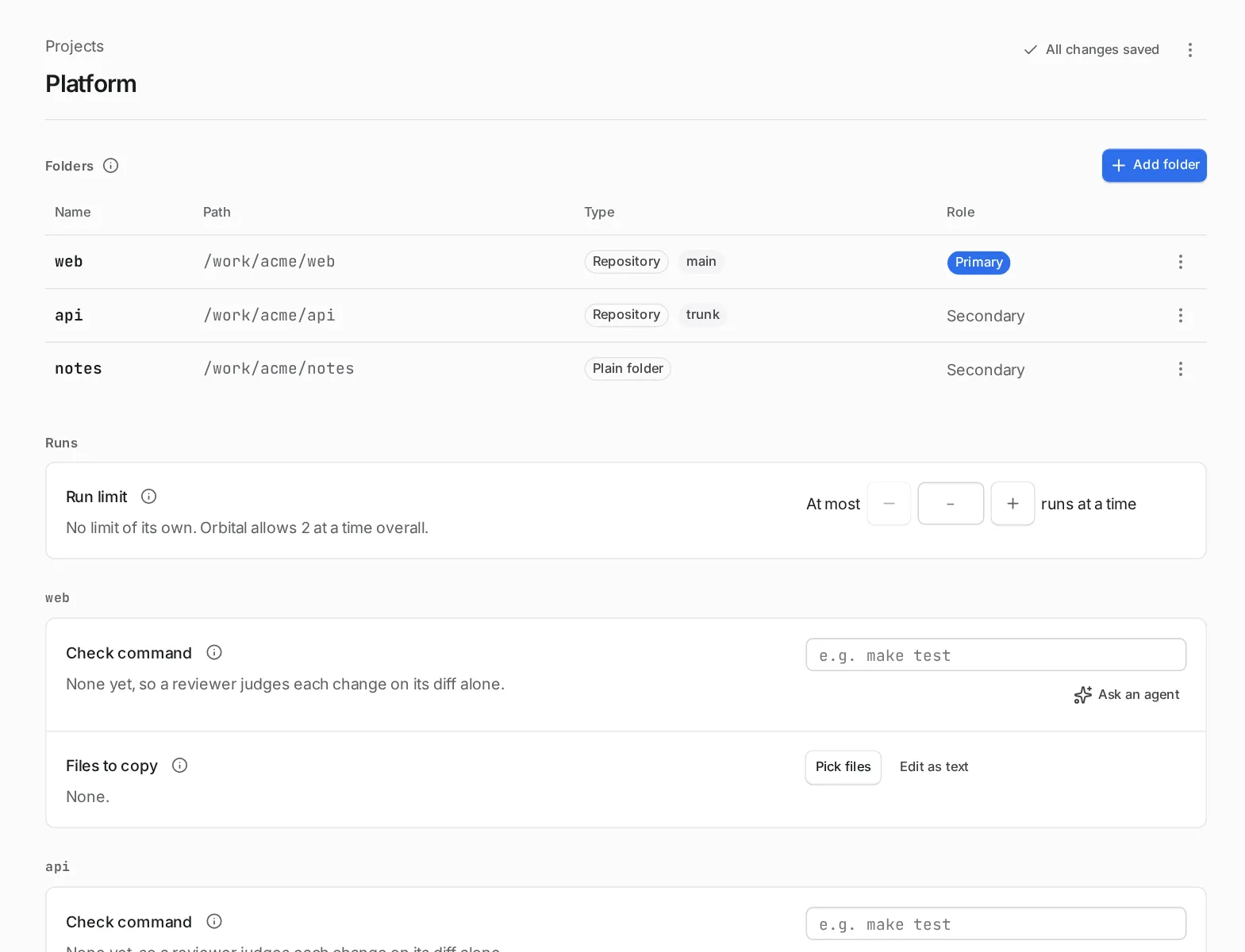
The run limit applies to this project only.
Leave the field empty for no limit of its own. The number in Settings > General stays the upper limit across all projects, and the project page shows it, for example “Orbital allows 4 at a time overall.” A project limit at or above that number changes nothing, and the page says so.
A change applies at the next decision, without a restart. Lowering the limit never stops a run that is already working.
A queued run held back by its project’s limit shows “Queued · waiting for a free slot in project” instead of its place.
What holds a slot
Section titled “What holds a slot”A run takes a slot when it starts. It keeps the slot through every step: agent turns, commands, checks, parallel branches, timed waits and questions the agent asks you.
Under Interleave, a run gives its slot back when:
- it reaches a human gate (Waiting, “At a gate”);
- it stops by itself and shows “Waiting on you”;
- it ends.
A delivery workflow waiting for its pull request to be reviewed sits at a human gate, so it holds no slot. Many runs can wait on review while others work.
Under Finish first, a run keeps its slot until it ends, through gates and waits on you.
Under either method, a paused run gives its slot back at once, whether you paused it or a control interrupted it, and the first queued run starts. Stopping a run, or resolving it, frees its slot under either method.
Order in the queue
Section titled “Order in the queue”When a slot frees, Orbital skips projects that are at their own limit. It gives the slot to the project that has waited longest since it last got one, so projects take turns. Within one project, runs start in the order they joined the queue. A queued run’s badge shows its place, such as “Queued · 2nd”.
To start a queued run next, open Runs, open its row’s menu (⋯) and choose Move to front of queue.
A run that comes back from a gate joins the back of the queue and shows “Continuing when a slot is free”. When you resume or retry a paused run, it queues again: under Finish first it joins the front, because that method finishes started work first; under Interleave it joins the back. A run you resume while it waits at a gate goes back to the gate and later queues like any run coming back from one. It never takes a slot beyond the number you set.
After a restart
Section titled “After a restart”The queue is stored with the run history. After a restart, the runs that were working take their slots back first, even beyond the number you set. Queued runs keep their order. A paused run holds no slot after a restart, and still rejoins the queue as started work when you resume it.
Related
Section titled “Related”- Runs: the standings a run moves through, including Queued.
- Pause, stop or resolve a run: pause a run to free its slot.
- Projects and folders: the project page where the run limit lives.
- Settings: every General setting, including Concurrent runs.
- Durability after restarts: what happens to the queue when Orbital restarts.