

Write your first workflow
Run the smallest complete workflow: one agent step and one terminal
Write a workflow with one agent step and one terminal, then run it. It is the smallest workflow that does anything.
version = 3entry = "steps.hello"
[steps.hello]prompt = "Reply with one sentence explaining the goal: {{ inputs.goal }}."next = "steps.done"
[steps.done]kind = "terminal"
version = 3 says which workflow format the file uses, and entry names the step the run starts at. hello is an agent step: a step with a prompt and no kind. Its next sends the run to done, a terminal, which ends the run successfully. A reference to a step is always its full path in quotes, such as "steps.done". Every other guide builds on this with more steps and routes.
The prompt asks only for a sentence, so the agent has no reason to change files. To keep a step from changing files, say so in its prompt. With Codex, a style can also give the step a read-only sandbox with codex.sandbox_mode = "read-only".

Before you start
Section titled “Before you start”You need a harness you have signed in to, and a project in Orbital. Any project works. It does not need to be a Git repository, unless you run the example with Codex, which needs one. See Projects and folders.
1. Save the workflow
Section titled “1. Save the workflow”Download the example and unpack it into your workflow library, ~/.orbital/workflows/. Keep every relative path. You can also download minimal.toml on its own.
2. Validate it
Section titled “2. Validate it”orbital validate ~/.orbital/workflows/minimal.tomlValidation calls no agent.
3. Start a run
Section titled “3. Start a run”Choose New task and pick any project. Choose the minimal workflow. One project serves every example.
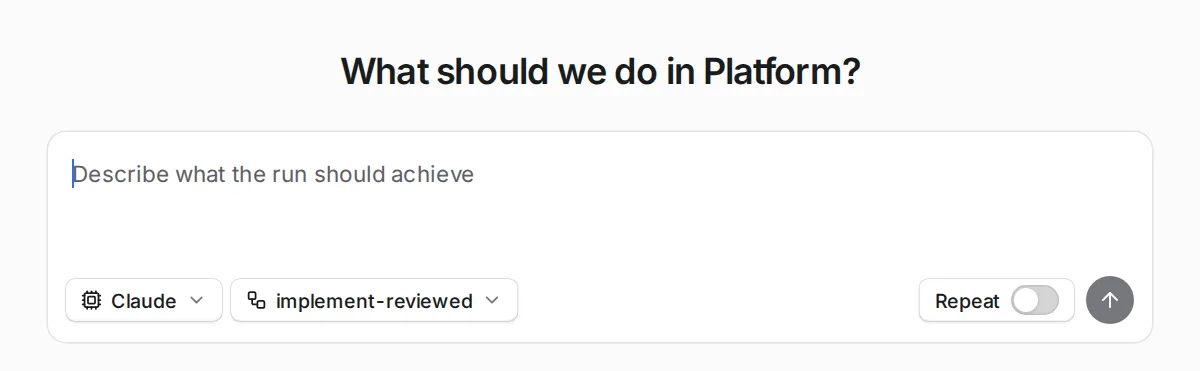
Set the goal to “Explain what a workflow is”, and start the run. The hello step returns a sentence, then done ends the run successfully.
Related
Section titled “Related”- Write prompts: read run values in a prompt.
- Add branches: send a run to different steps.
- Step kinds: the kinds of step you can add.
- Research report: a workflow that touches no code.
- Workflows: where Orbital finds workflows and how to validate them.