

Reuse a workflow
Move a shared sequence of steps into its own workflow file and import it
When several workflows share a sequence of steps, move the sequence into its own workflow file and import it. One step with an import key stands in for the whole file.
[steps.ticket]import = "imports/ticket.toml"exits.delivered = { to = "steps.select", loop_restart = true }exits.rejected = "steps.stalled"How an import works
Section titled “How an import works”An imported workflow is an ordinary workflow file that another workflow imports. It has its own version, entry and terminals, so you can validate and run it on its own before any parent depends on it. It has to be a complete workflow, not a fragment.
The import step becomes a group that holds the imported steps, so the editor, the validator and the run all see one workflow.
- Imported step IDs take the import step’s ID as a prefix, so
ticket.reviewis the importedreviewstep, and its final prose iscontext.response.ticket.review. - A route to the import step reaches the imported entry.
- Every terminal of the imported file is an exit, named by its ID.
exits.<name>on the import step says where the run goes when it leaves through that exit: a step, or{ to = "steps.select", loop_restart = true }when arriving there starts a new pass. An exit you leave unmapped ends the run with that terminal’s outcome. A file with one exit still needs it named, and an imported terminal may not beaborted. - Outputs and facts keep their names across the boundary, because the parent and the imported steps share the run’s context. That is what lets a parent condition read a value the imported workflow produced.
Routes into a terminal inside the imported file decide why the run leaves it, and the parent only says where it goes. So conditions and budgets belong inside the imported file, and the import step carries only its exits. Budgets are shared by name across the parent and every file it imports.
Paths in import and prompt_file resolve from the file that names them. A cycle of imports is refused. The import reference gives the rest of the rules.
Pass inputs in
Section titled “Pass inputs in”An imported workflow that declares inputs gets them from the import step. inputs.<name> on the import step is a template that Orbital renders each time an imported step reads that input, so it may read the parent’s inputs and the run’s context. Every required input of the imported file must be passed, and an input it does not declare is refused. An optional input left out reads as its default, or empty. An import step that passes no inputs at all leaves its steps reading the parent’s inputs, as an import converted from a DOT file does.
[steps.deliver]import = "imports/ship-ticket.toml"inputs.ticket = "{{ context.ticket }}"exits.shipped = "steps.shipped"exits.rejected = "steps.stuck"Here an earlier step hands over a ticket output, and the imported workflow reads it as its own ticket input, {{ inputs.ticket }}. Orbital looks up only the inputs a run starts with, so the imported steps read the reference, not the ticket’s fields. A looked-up input passed on unchanged, as inputs.ticket = "{{ inputs.ticket }}", keeps its fields. Repeat a workflow walks through that example.
Share settings with the steps inside
Section titled “Share settings with the steps inside”An import step is a group for the steps it brings in, so it can carry a label and a style. The style applies to every imported step that does not set the same thing itself, through its own style or through a group inside the imported file. The imported file’s own styles join the parent’s, so its steps still find the styles they name. Give steps a style explains the order.
An import step cannot change the prompts of the steps inside. Put shared configuration on the import step or in the parent workflow.
Before you start
Section titled “Before you start”You need the epic example, unpacked into ~/.orbital/workflows/ with every relative path intact. It holds the parent and the imported workflow shown below.
1. Write the imported workflow
Section titled “1. Write the imported workflow”This one implements and reviews a single piece of work. Its two terminals, delivered and rejected, become the exits the parent maps. Its own sub_ticket budget bounds the review loop inside it.
version = 3entry = "steps.implement"description = "Implement and locally review one sub ticket"
[budgets.sub_ticket]rounds = 5
[steps.implement]prompt = "Implement the current work described below. Satisfy only its requirements. {{ current_work }}"outputs.implementation_summary = "text"next = "steps.review"
[steps.review]prompt = "Review the implementation against the current work described below. Choose pass when it satisfies the work, or reject when it does not. {{ current_work }}"outputs.verdict = { kind = "choice", options = ["pass", "reject"] }routes = [  { if = "verdict == 'pass'",   to = "steps.delivered", resets = "budgets.sub_ticket" },  { if = "verdict == 'reject'", to = "steps.implement", spends = "budgets.sub_ticket" },  { if = "verdict == 'reject'", to = "steps.rejected" },]
[steps.delivered]kind = "terminal"
[steps.rejected]kind = "terminal"outcome = "failed"label = "Five reviews rejected the same sub ticket"
It reads {{ current_work }} rather than a declared input, so the parent decides what one piece of work is. Any parent that sets current work can use it.
2. Validate it alone
Section titled “2. Validate it alone”orbital validate ~/.orbital/workflows/imports/ticket.toml3. Add an import step to the parent
Section titled “3. Add an import step to the parent”[steps.ticket] with import = "imports/ticket.toml" is the import step. The path is relative to the parent, because relative paths resolve from the file that names them.
version = 3entry = "steps.select"description = "Work through an epic one sub ticket at a time"max_visits = 200
[inputs.work]kind = "epic"label = "Epic"hint = "The epic whose sub tickets this run delivers"
[steps.select]prompt = """Read the epic at {{ inputs.work.url }} and every sub ticket under it.Choose the next unfinished sub ticket and report it as the current work.Choose ticket while one remains, or none once every sub ticket is finished."""outputs.current_work = "work"outputs.remaining = { kind = "choice", options = ["ticket", "none"] }routes = [  { if = "remaining == 'ticket'", to = "steps.ticket" },  { if = "remaining == 'none'",   to = "steps.finished" },]
[steps.ticket]import = "imports/ticket.toml"exits.delivered = { to = "steps.select", loop_restart = true }exits.rejected = "steps.stalled"
[steps.finished]kind = "terminal"
[steps.stalled]kind = "terminal"outcome = "failed"label = "A sub ticket could not be delivered"
4. Map every exit
Section titled “4. Map every exit”Each exits key names the exit it maps. Here delivered returns to the select step with a loop restart, so the next sub ticket starts fresh, and rejected goes to the stalled terminal.
5. Validate the parent
Section titled “5. Validate the parent”orbital validate ~/.orbital/workflows/epic.tomlThe imported steps sit inside the import step’s group, so the workflow contains ticket.implement and ticket.review.
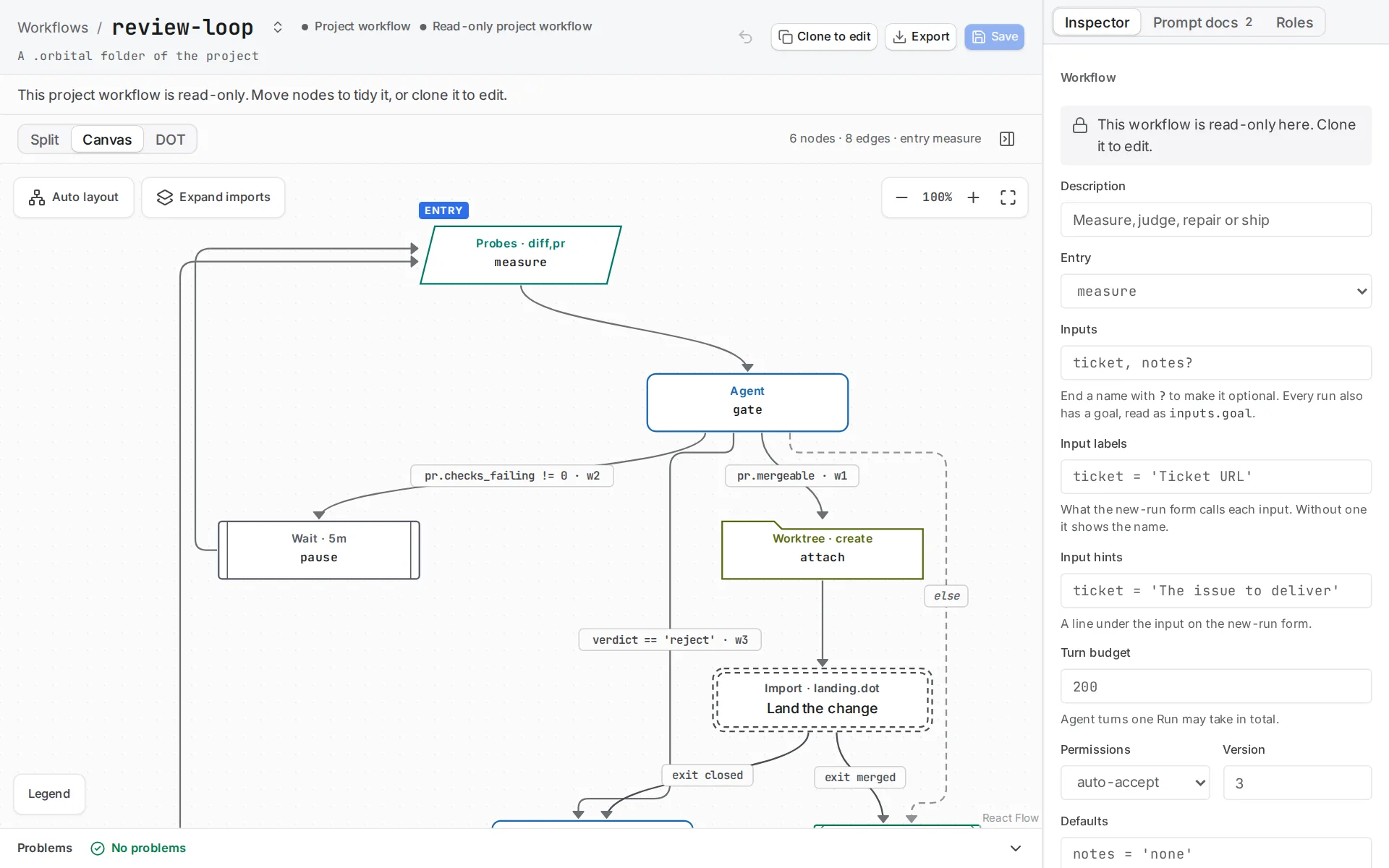
The editor draws the import step as one step, with each exit on its own arrow. Choose Expand imports to see a flat, read-only view with each import expanded, and Show authored workflow to return.
Share it
Section titled “Share it”Include every imported file and prompt file, and keep their relative paths. The epic example shows the layout. The ticket workflow is a parent with two imported workflows and twelve prompt files, shipped as one archive.
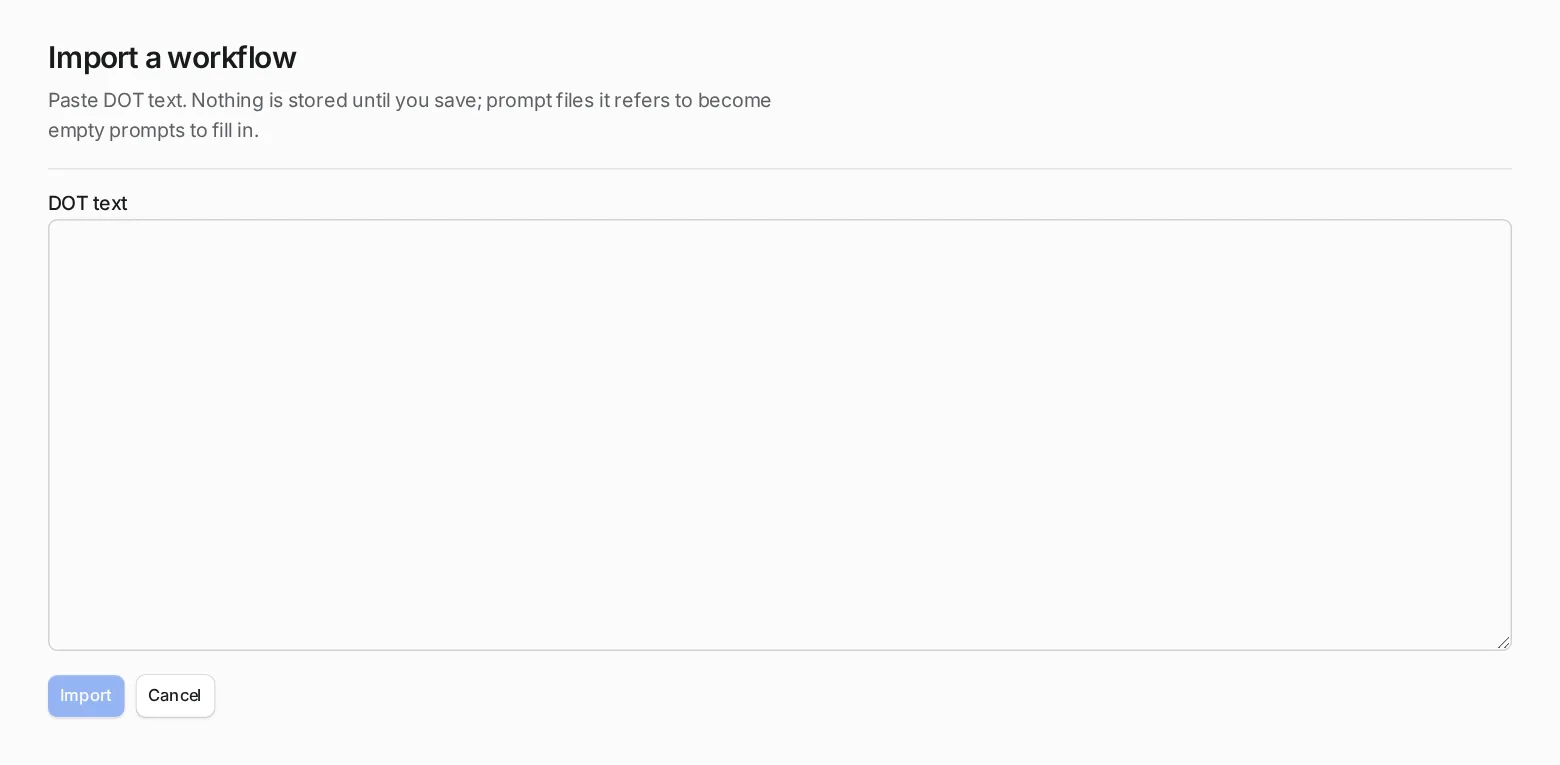
If someone pastes the parent into Import on the Workflows page instead, the prompt files it refers to become empty prompts to fill in.
Related
Section titled “Related”- Import and group: the rules for import steps, IDs and exits.
- Ticket to merge: a parent with two imported workflows.
- Outer loop over an epic: the same parent and imported workflow, explained step by step.
- Give steps a style: set styles on imported steps.